A few years ago, I started working on Nural.Study (formerly RecapUs). I’ve been developing it in my spare time ever since, and this year, it entered beta.
When I talk to people about it, they often ask what Nural actually is and what it does. So I thought I’d explain it in plain language.
I’m building Nural to help people learn more effectively and manage their learning.
Learning materials are scattered everywhere: an interesting article, a YouTube video, a PDF, your own notes. We save links, highlight passages and take screenshots. Then we still need to find those things again, organize them and come back to them at the right time.
That’s the process I want to bring together in Nural.
Imagine coming across something you want to learn. You save it for later. When you start studying it, you highlight important passages, add your thoughts and create flashcards. You can see what you studied on a particular day and revisit it in later reviews. Your highlights and notes stay connected to the original material, so you keep the context.
Nural brings together several parts:
- A browser extension — for saving materials and working with the page or video you currently have open.
- A dashboard — for browsing your materials, creating notes and flashcards, and organizing topics into learning maps.
- Study sessions and reviews — for keeping track of what you’ve learned and knowing what to revisit.
- A mobile app — for continuing your learning from your phone.
- AI integrations — for helping you work with your materials, including preparing notes and flashcards.
I think of Nural as a whole learning system. The browser, dashboard, phone and AI connect around one process: finding something worth learning, understanding it and remembering it over time.
My goal is for you to open Nural and know: what I want to learn, what I’ve already done and what my next step is.
I’ve also put together a project overview on GitHub, with screenshots and more details about how Nural works.
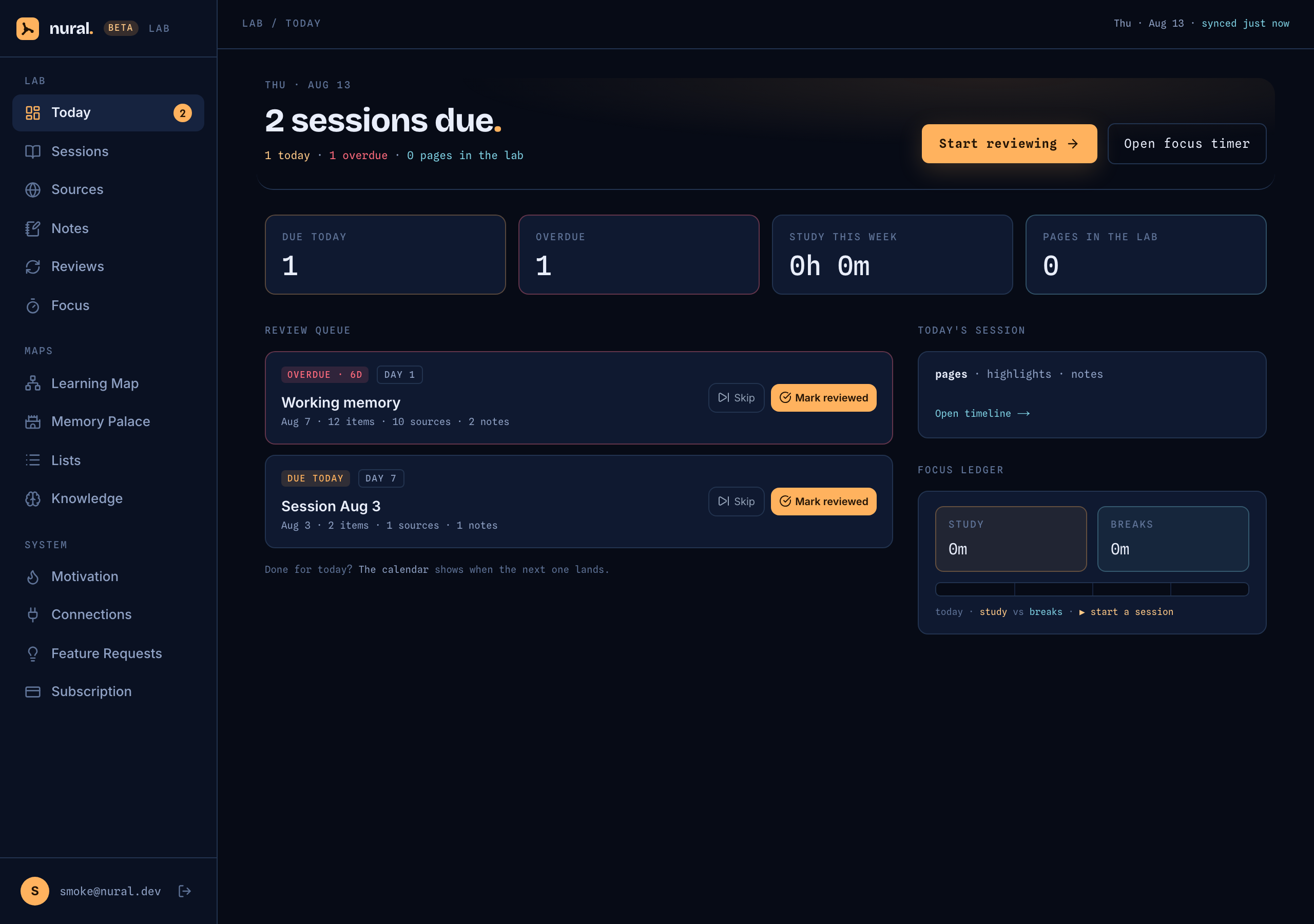
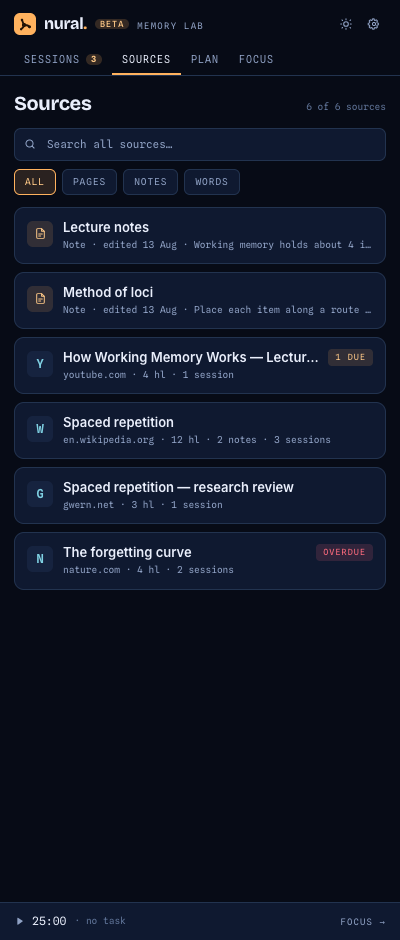
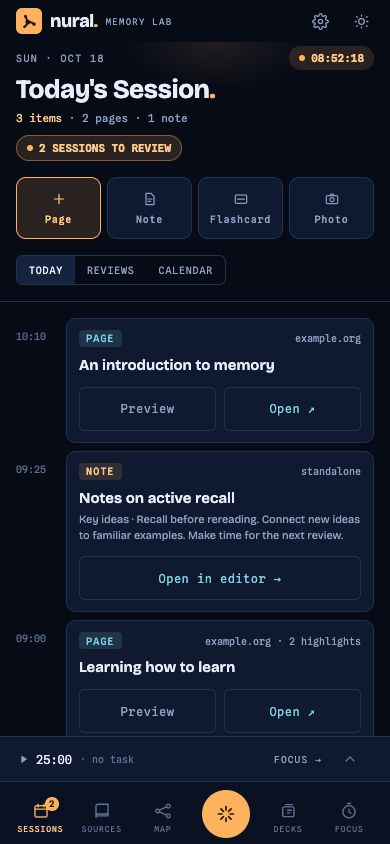
Beta screenshots use sample data.